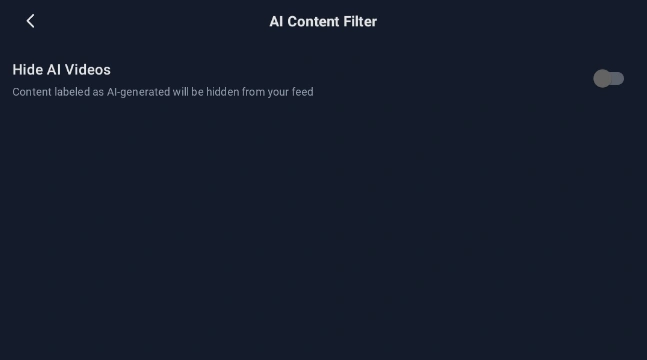
How to Hide All AI-Generated Content in Scoopz
This quick guide will help you do so.
To hide all AI-generated videos in Scoopz do the following:
- Create and account. If you don’t know how to do it, there is a fine tutorial.
- Tap on Me at the bottom menu:

- Click on the gear icon at the top right corner:

- Select option AI Content Filter:

- Turn it on:

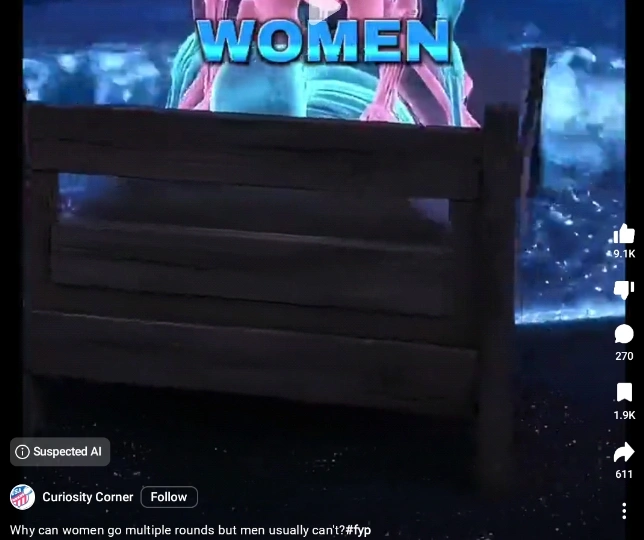
Scoopz app has a good AI-detection in place. With this option enabled, you can be sure that 99% of all AI-generated videos will not appear in your feed.