How to Create Account in Scoopz?
A simple guide on how to create account in Scoopz app.
Let’s start:
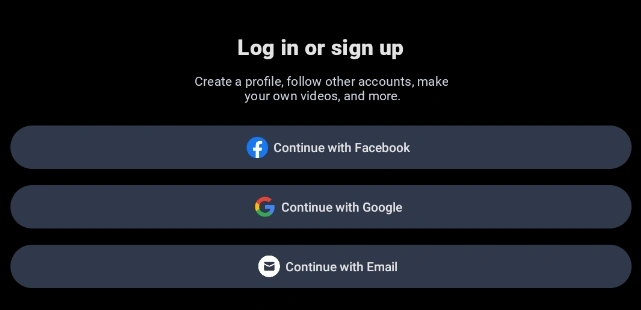
- Click on the arrow down (if you don’t want to use Facebook or Google options):

- Select Continue with Email.
- Enter your e-mail and click Continue:
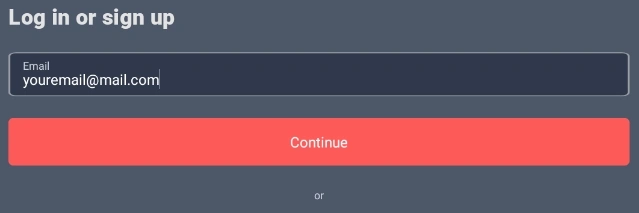
E-mail address must be real for you to receive verification link - Enter your account name and password. Password must contain at least 8 characters, including one number, one letter in upper case, and one special character.
- Click link in email to verify your account.
That’s it, your registration in Scoopz is now complete. You may join circles (groups), write messages, and upload videos (and – potentially – receive payments).